Why it exists
My invoicing tool’s price went from about $100 to about $2,000 a year, so I built a replacement, and then turned it into a product for other freelancers and small consultancies.
The platform
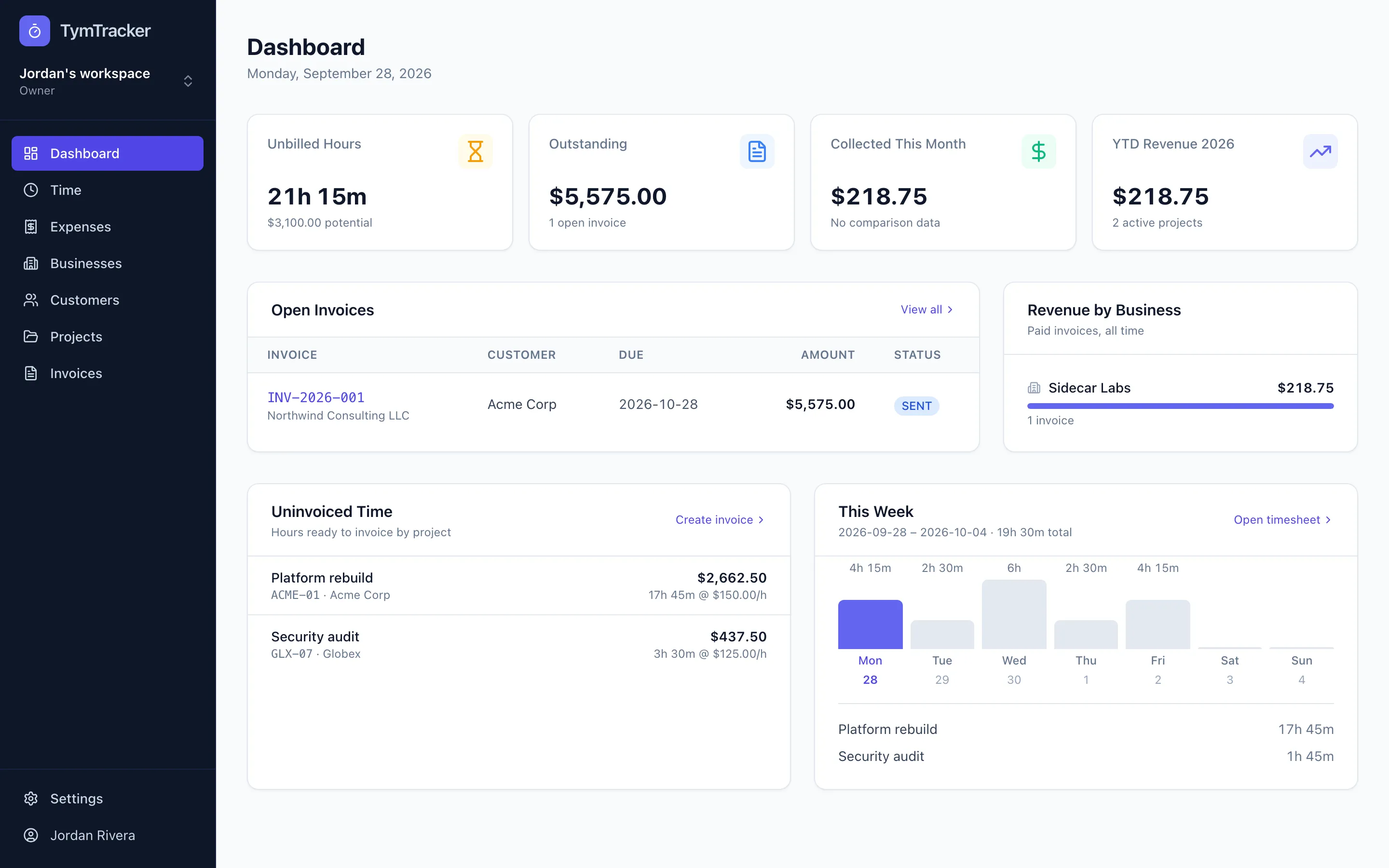
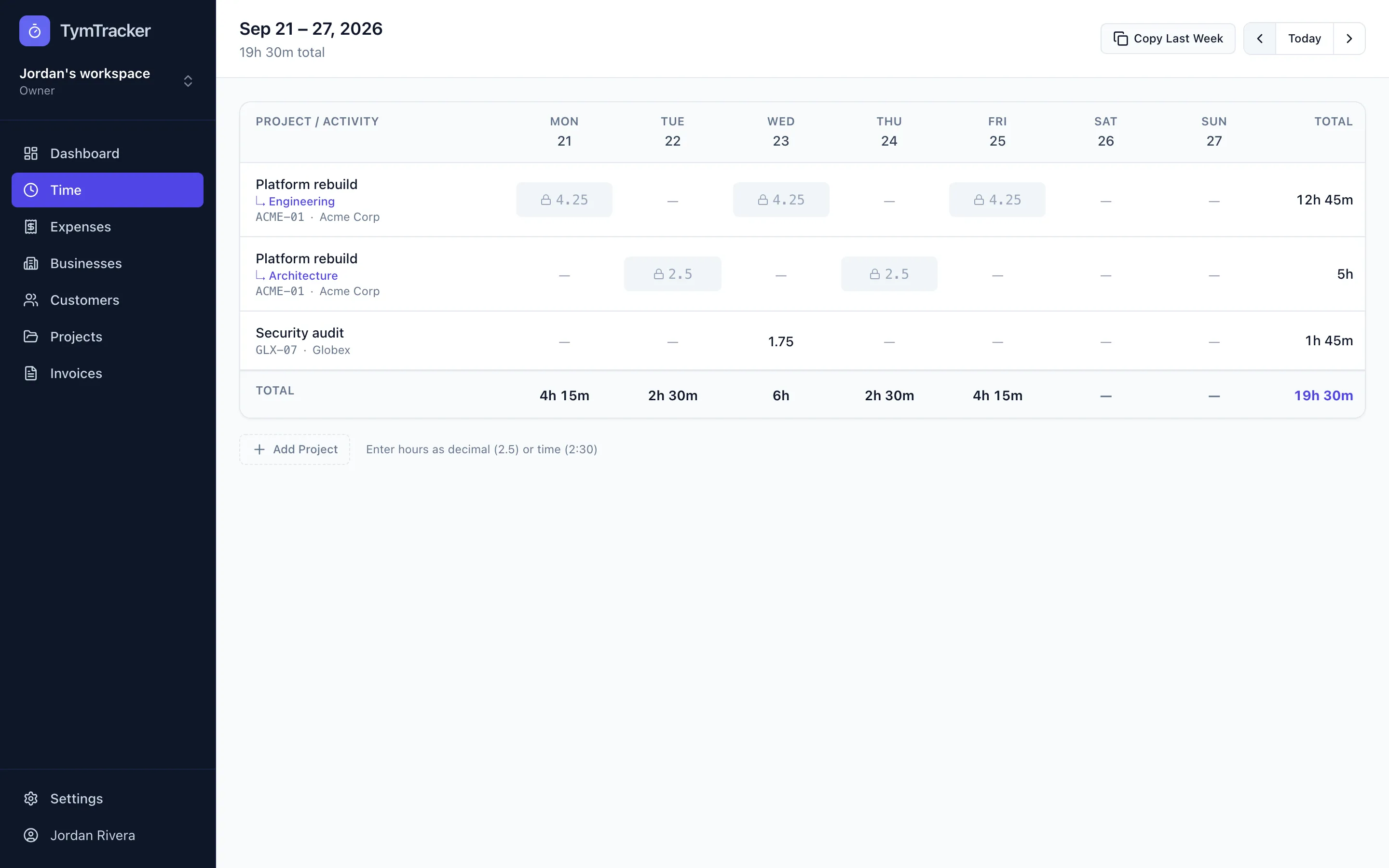
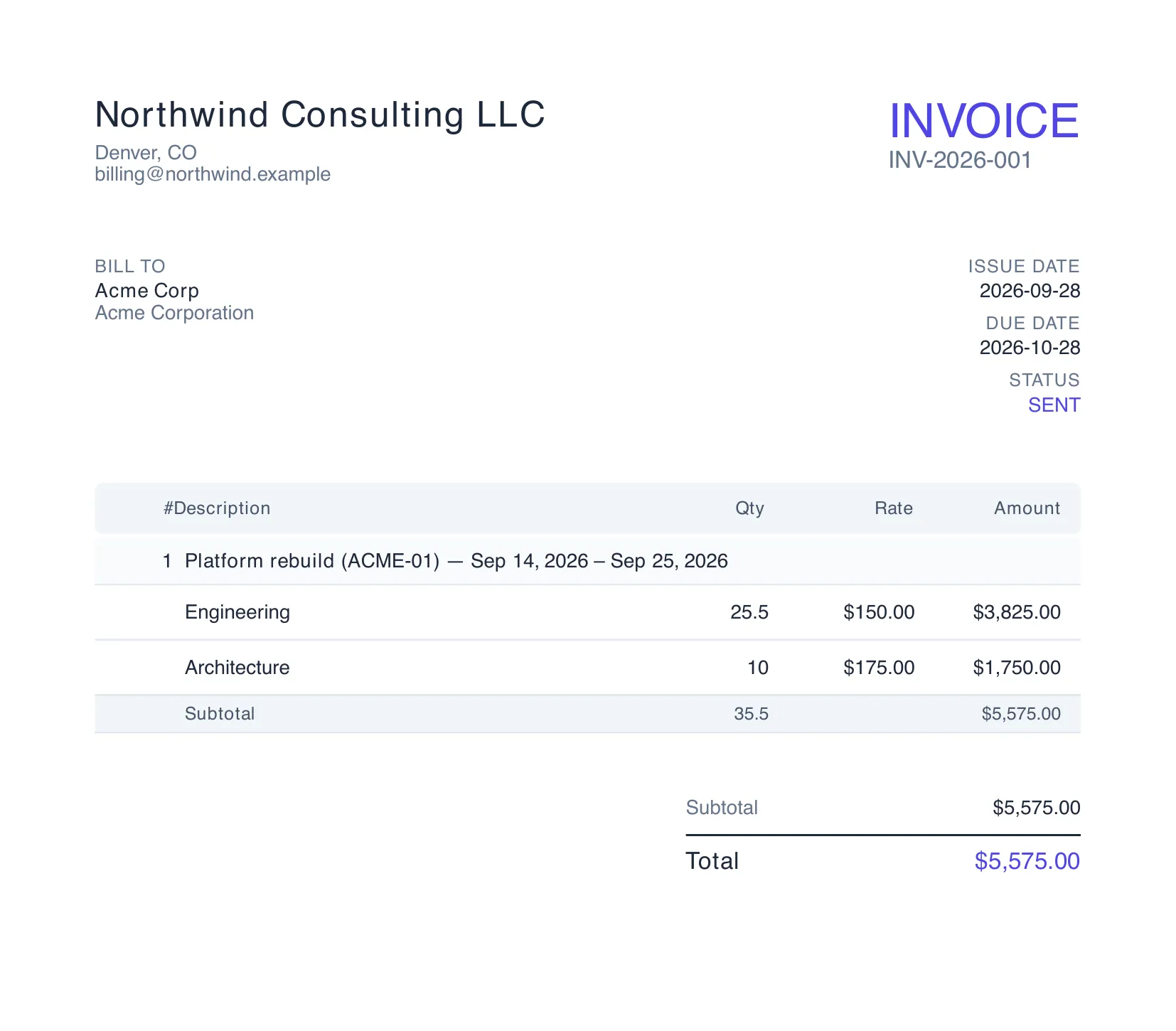
- Web app: weekly timesheet, projects and clients across multiple businesses, a four-step invoice wizard that pulls only uninvoiced time and billable expenses, PDF invoices by email, estimates, and automatic past-due reminders.
- Multi-tenant SaaS foundation: workspaces with owner, admin, member and accountant roles, email and Google sign-in with two-factor authentication, and invitations bound to the invited address.
- Money handled as integer cents everywhere, converted in exactly one place, with server-side total recalculation, because invoicing bugs are the ones customers notice.
The mobile app
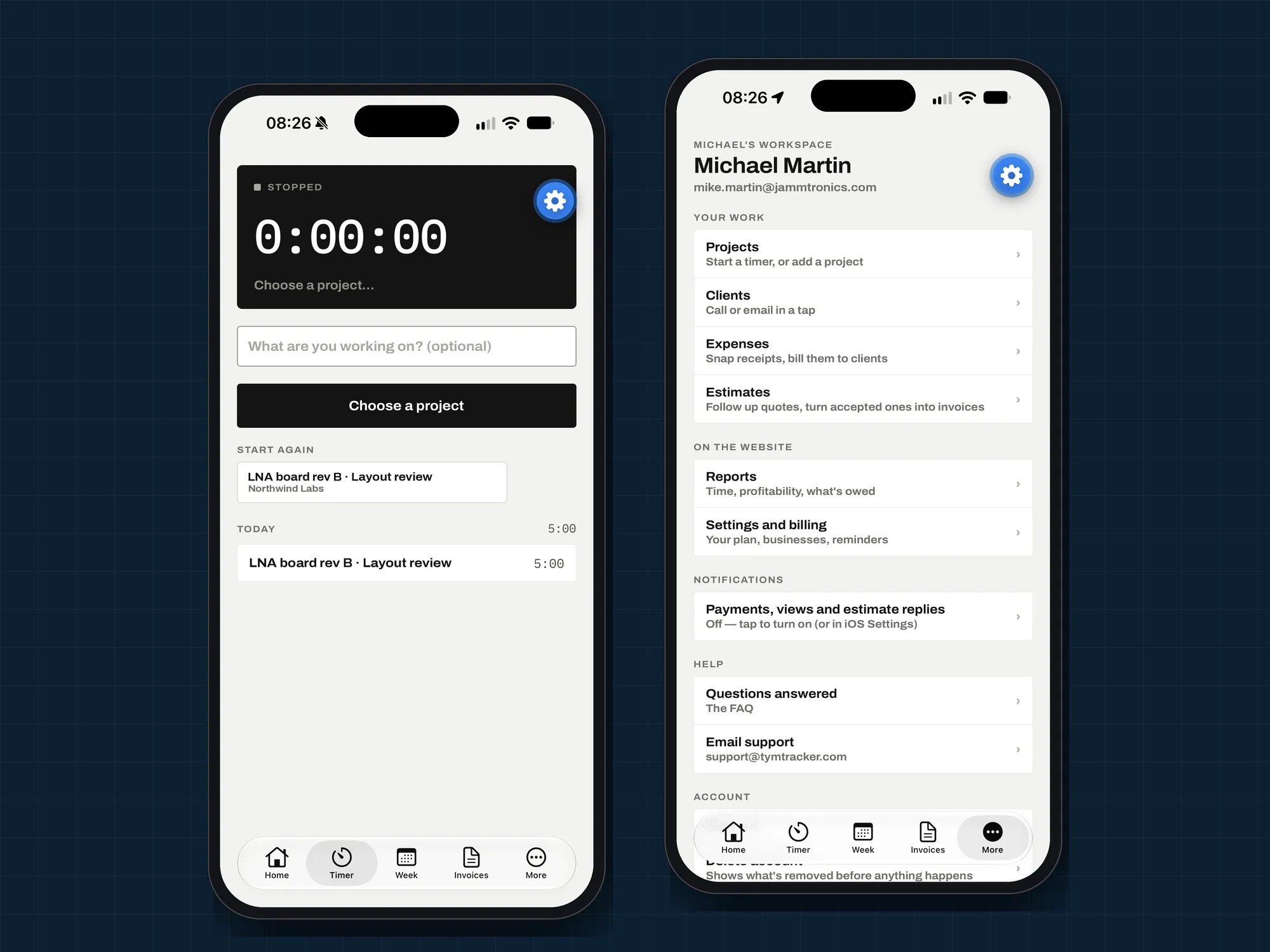
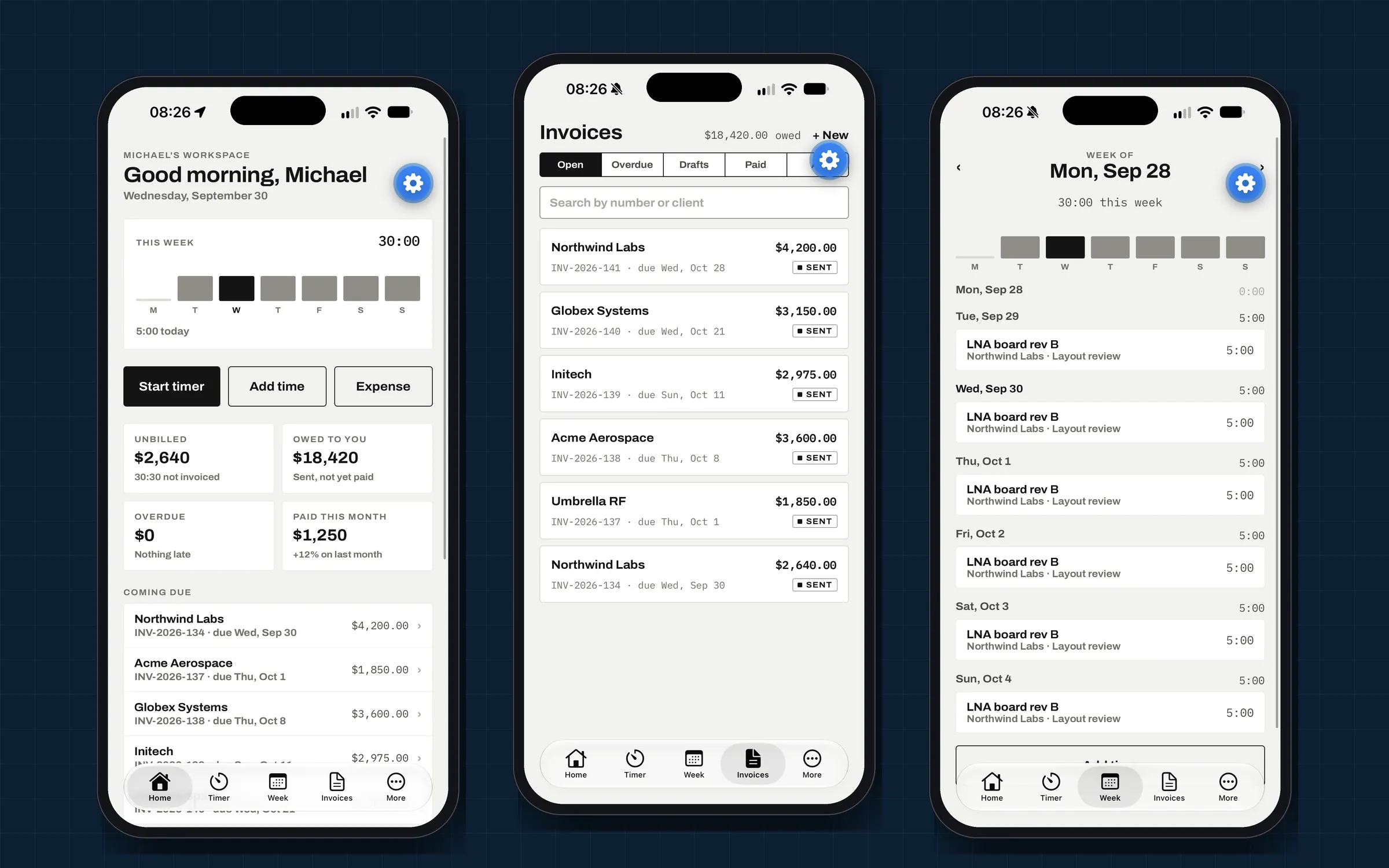
A companion iOS and Android app built with Expo and React Native on the same API:
- Sign-in with two-factor authentication.
- Home, invoices, projects, expenses and clients.
- Invoice from the phone: pick a client with unbilled work, create the draft and send it.
- Estimates: follow up, share the accept link, and turn accepted estimates into invoices.
- Push notifications when an invoice is opened, an estimate is accepted or a payment arrives; tapping one opens the item.
- Offline: the last-loaded data stays available without a connection.
Security as a feature
An audit of the first version found forgeable sessions from a placeholder secret and publicly reachable uploads with a stored-XSS path. Both were fixed and verified from outside the network, and the app now refuses to start with a weak secret. That review habit is part of every engagement.
Client names, projects and amounts in the phone screenshots have been changed to protect client confidentiality.