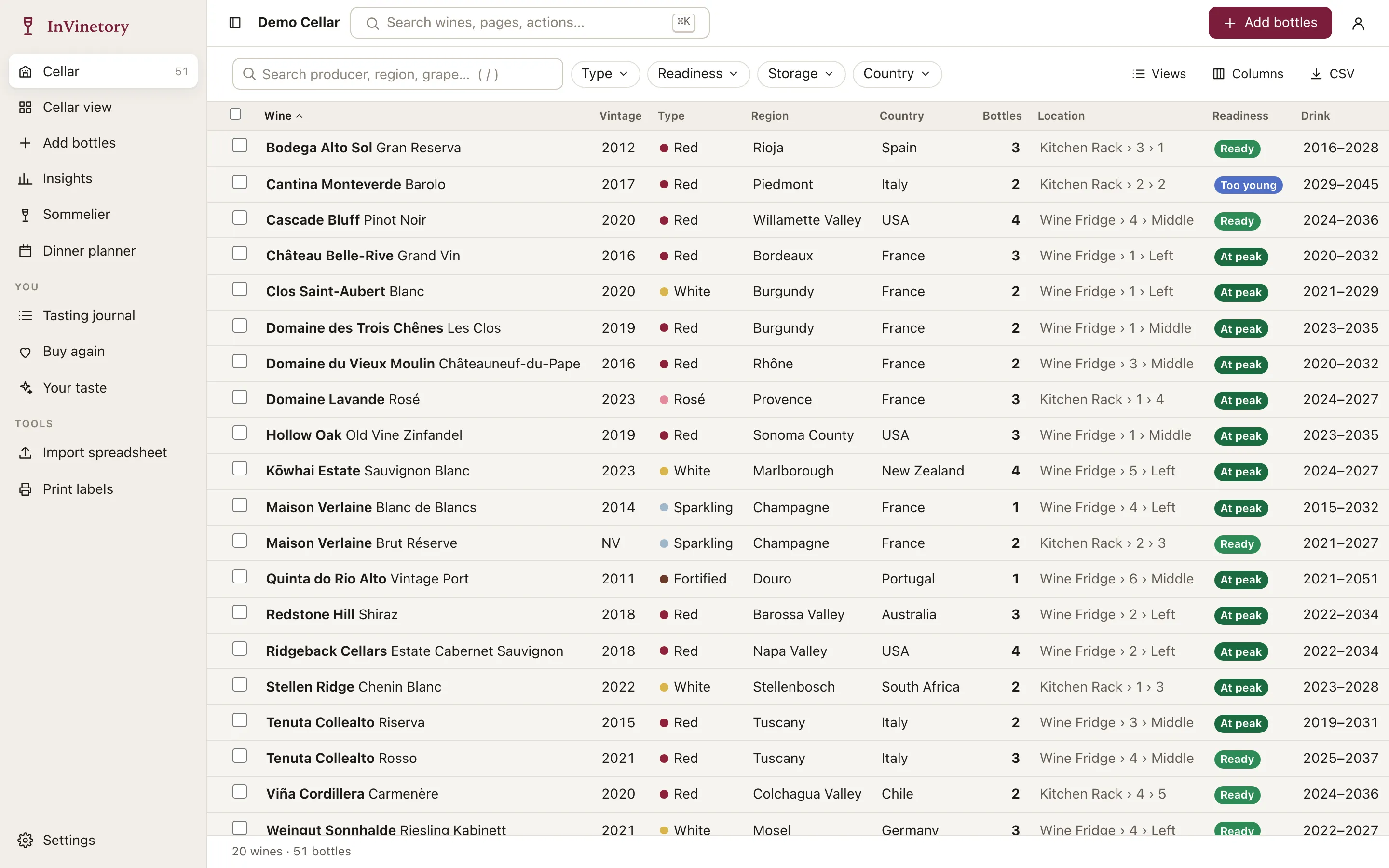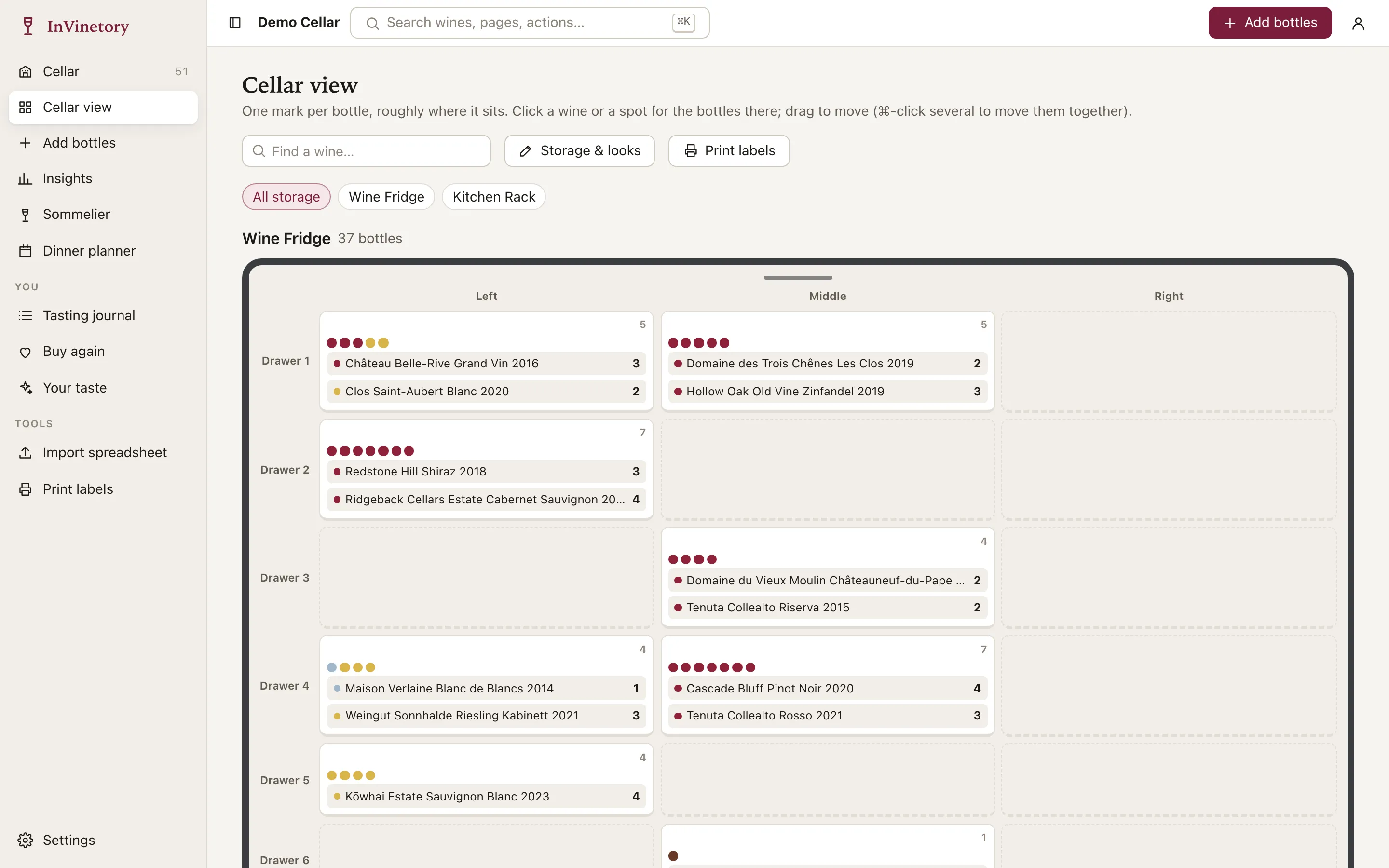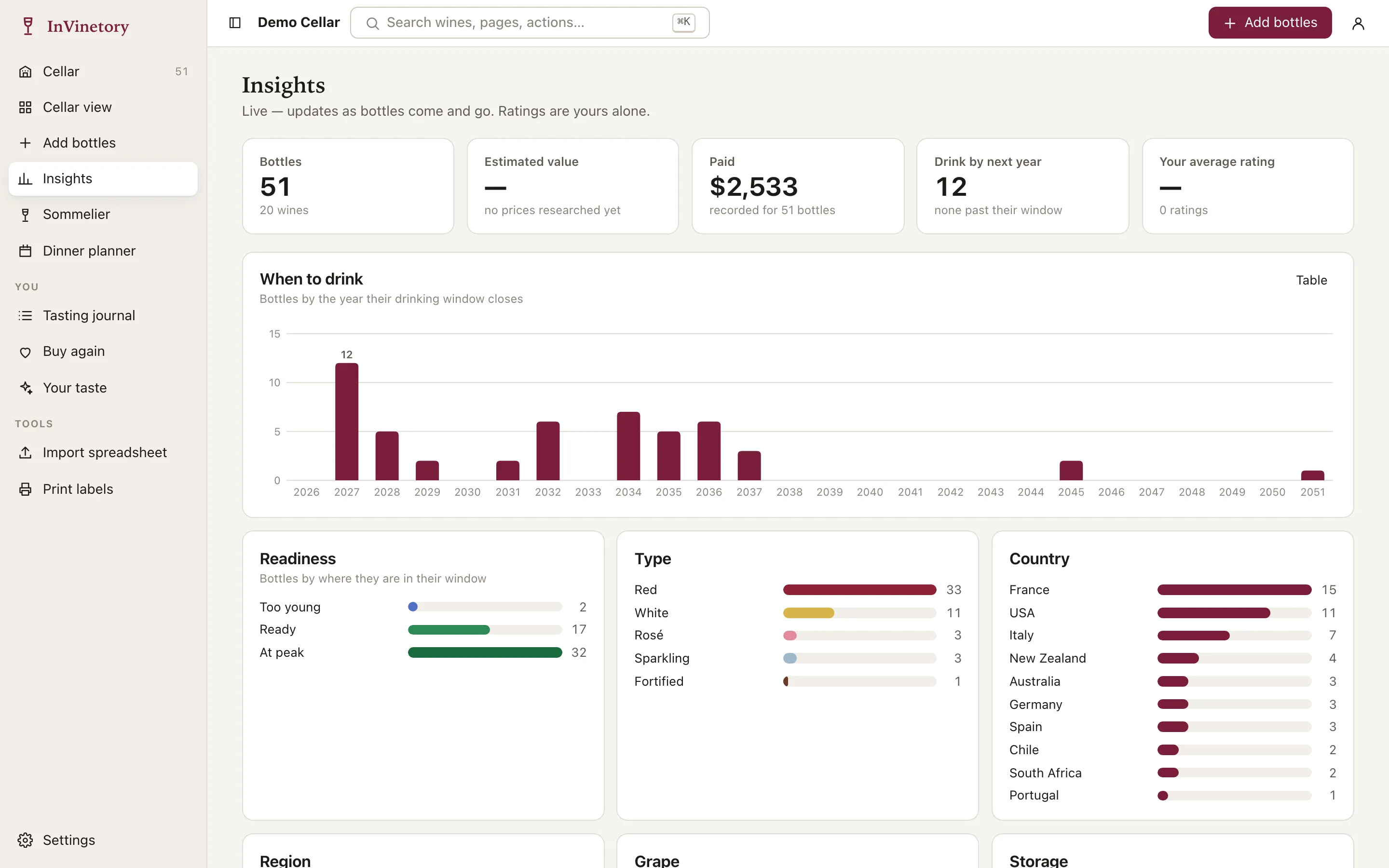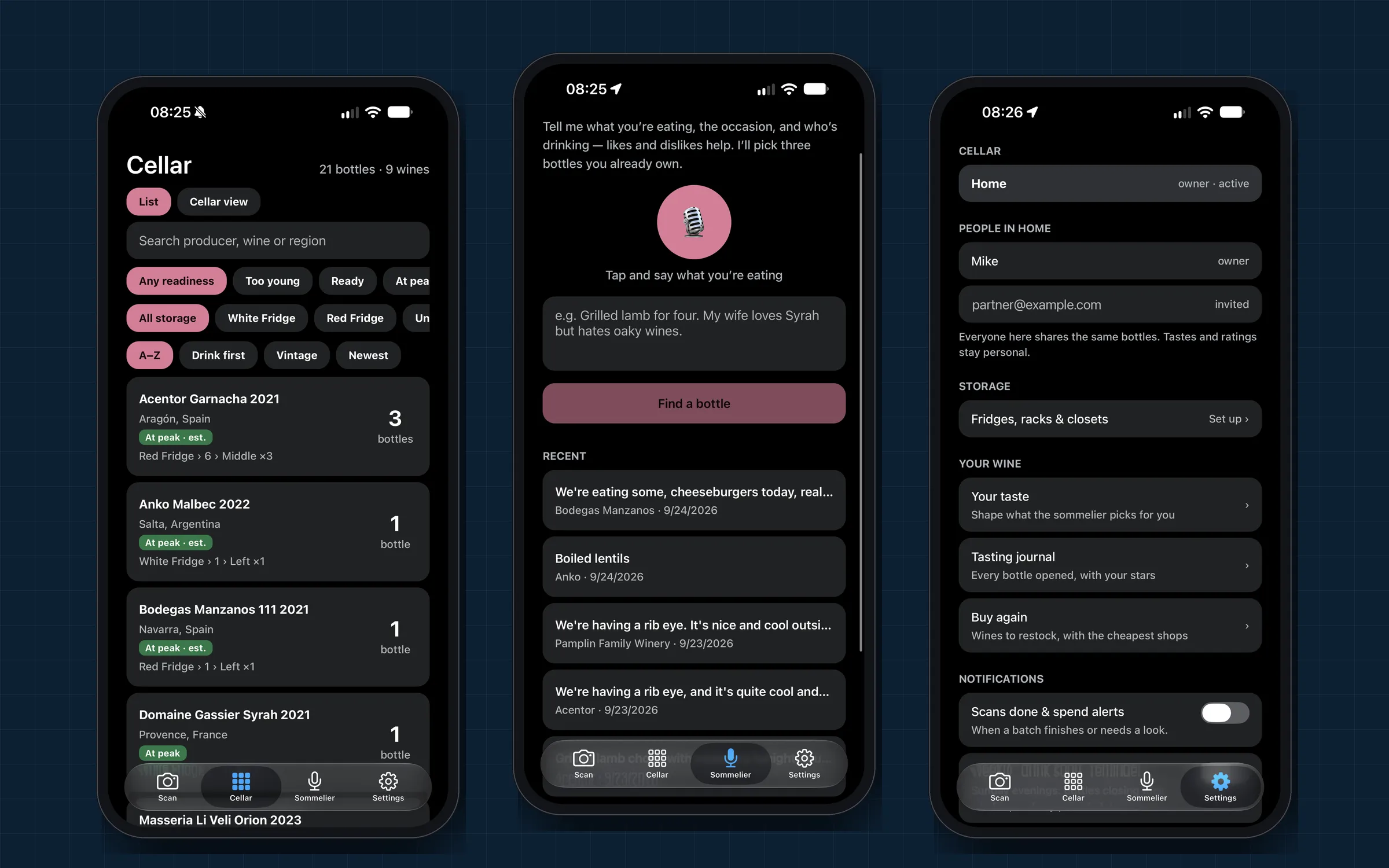
What it does
- Label scanning: one photo or a batch, read by a vision model in under three seconds, with a review step for anything uncertain.
- Shared cellars: a household shares inventory and history; ratings and taste profiles stay personal.
- Voice sommelier: speak the menu and get three picks, only ever from bottles in the cellar.
- Phone and desktop: the same codebase runs as an iOS app, an Android app and a desktop web app.
AI, engineered like a product feature
- Measured, not assumed. An evaluation set of real label photos with known answers scores every model or prompt change: 13 of 14 correct, 2.7 s median, about 0.4¢ per read.
- Model confidence isn’t trusted blindly. A misread came back at 0.85 confidence, so hard rules gate the result: a producer is required, and a vintage too unless the label says non-vintage.
- The assistant can’t recommend what you don’t own. It only sees short codes for bottles in the cellar, and the server drops anything else.
- Cost control: every AI call is logged and priced, with a monthly allowance per household and alerts at 80% and 100%.
Engineering underneath
Two layers of access control (API membership checks plus Postgres row-level security), a job queue inside Postgres, live updates over server-sent events, and every server-side fetch checked against private network addresses.
Personal details in the phone screenshots have been changed.